AI Product Swap
A shopper uploads a photo of a room, and in seconds AI replaces the old sofa, bed or armchair with yours, as an image to keep and share. There’s no app to download, no AR phone needed, and no need to stand in the room. Shoppers buy with more confidence, and every shared image puts your products in front of friends and family.
Before and after
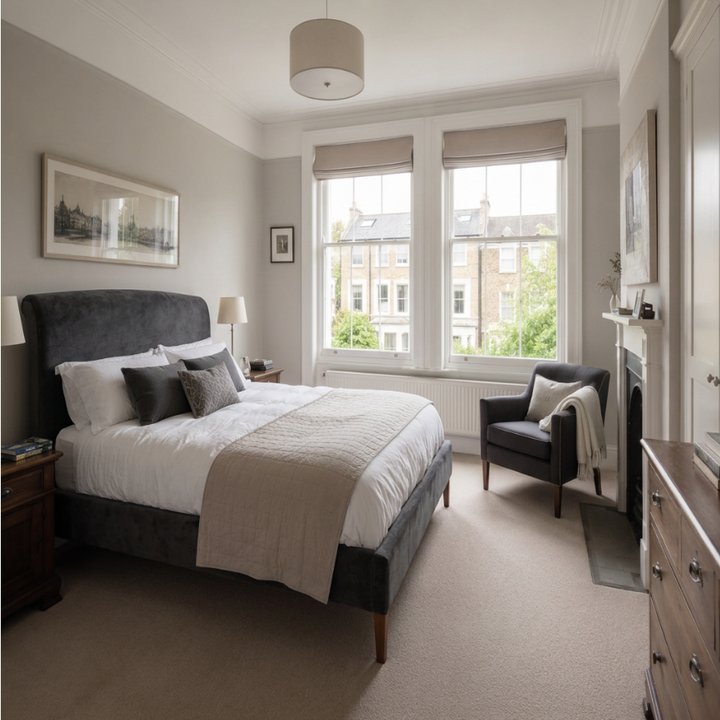
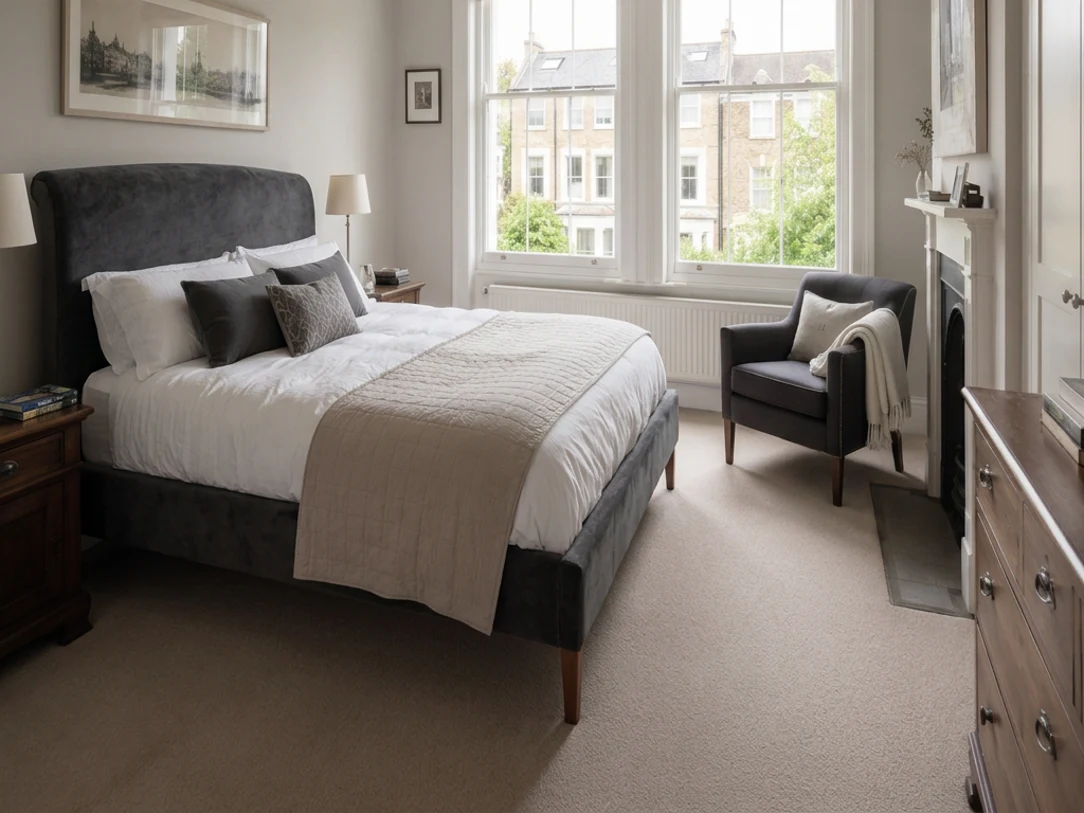
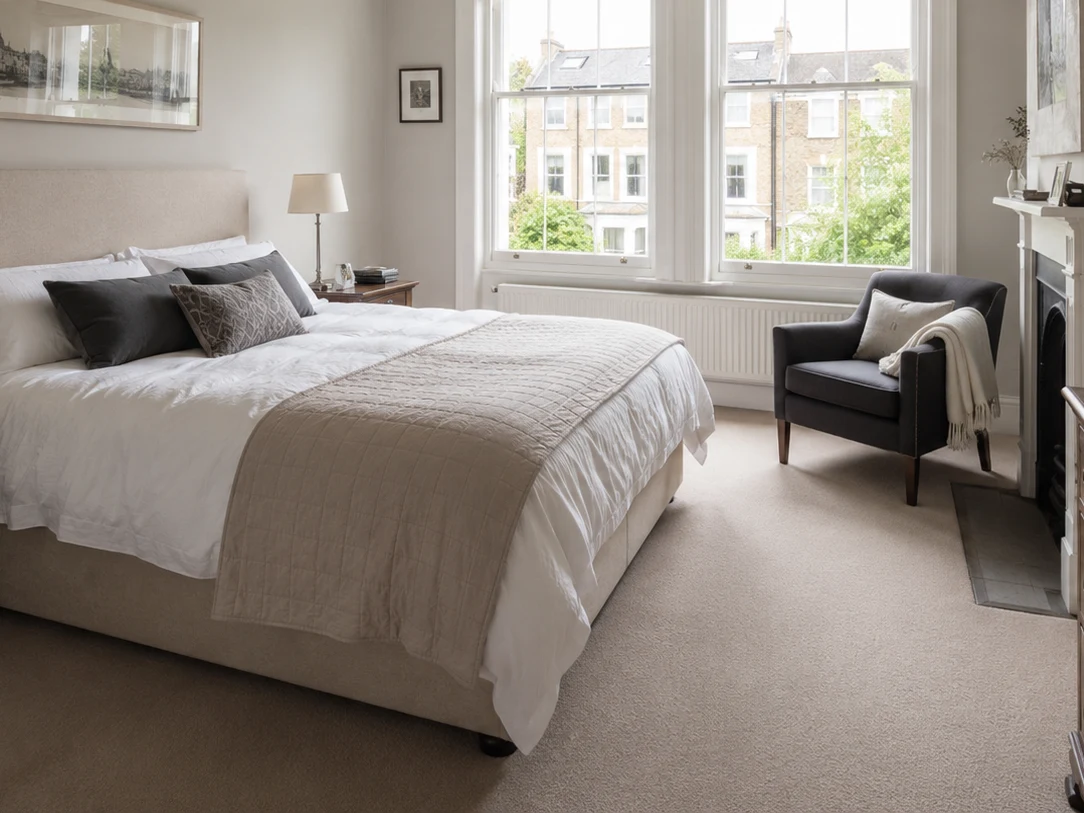
Drag across the photo. The room stays exactly as photographed, and only the bed changes, to the Thea curved bed in smart velvet. Live with The Roost.
For shoppers
The shopper's own room, not a showroom
Shoppers see whether the product suits the shopper’s space, in the real room at home.

Replaces what’s already there
The new sofa takes the old sofa’s place, which AR can’t do.

Any device, anywhere
Shoppers only need a photo, so the swap works on the sofa or on the bus, with no app and no AR phone.

An image to share
Shoppers send the swap to a partner or friends before deciding.

Inspiration, not a fit check
Results are approximate and for inspiration, so shoppers get a feel for the look before buying. Fashion try-on, including a new top with jeans the shopper already owns, is coming.
For retailers

Confidence to buy
Shoppers who see the product in a photo of the room at home are less likely to say "it didn’t look like I imagined".

Works where AR can’t
Shoppers don’t need a particular phone, an app or an AR device, and the swap replaces what’s already in the room.

A shareable wow moment
Every swap is an image shoppers send to friends, which spreads the word about your products.

Inspiration that brings shoppers back
Trying "what if" in a shopper’s own room is fun and memorable, so shoppers come back to try more.

Fashion: style with clothes shoppers own (coming)
A new top tried with the shopper’s own jeans turns one purchase into an outfit.

Stand out
Few retailers offer AI product swap yet. You can also offer the swap to account holders, to grow sign-ups.
How it works
Snap
Shoppers take a photo of the room on a phone, or a selfie for fashion.
Upload
Shoppers can also drag and drop a photo, on any device.
Swap
Shoppers see your product in place within seconds, as an image to keep and share.
Key features
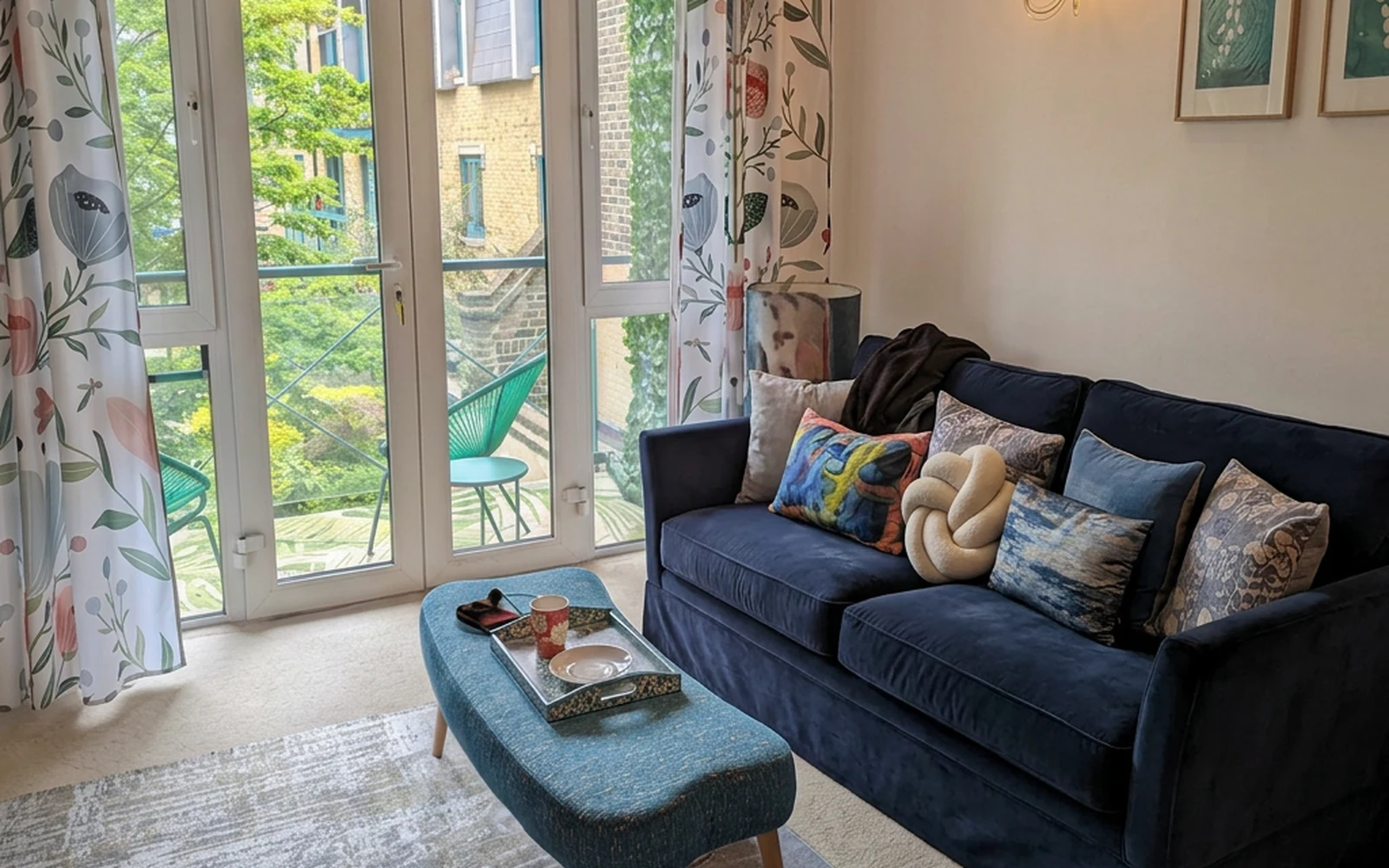
Home: your product, in the shopper’s room
Shoppers see the product on screen swapped into a photo of the room at home in seconds, like this velvet sofa in place of the old one. Live with The Roost.
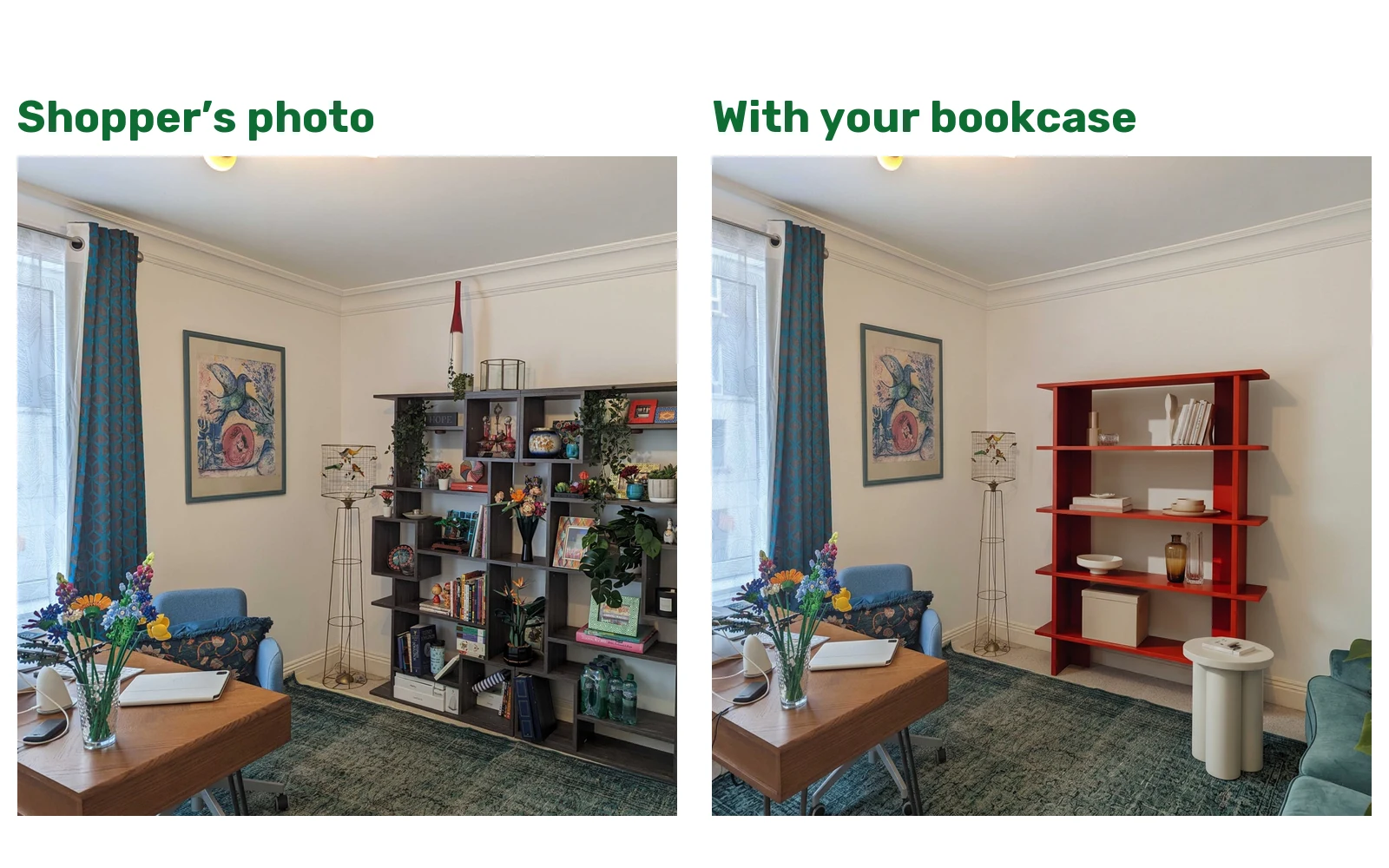
Before and after inspiration
Example swaps show shoppers what to expect, with copy and examples you change in the admin console.
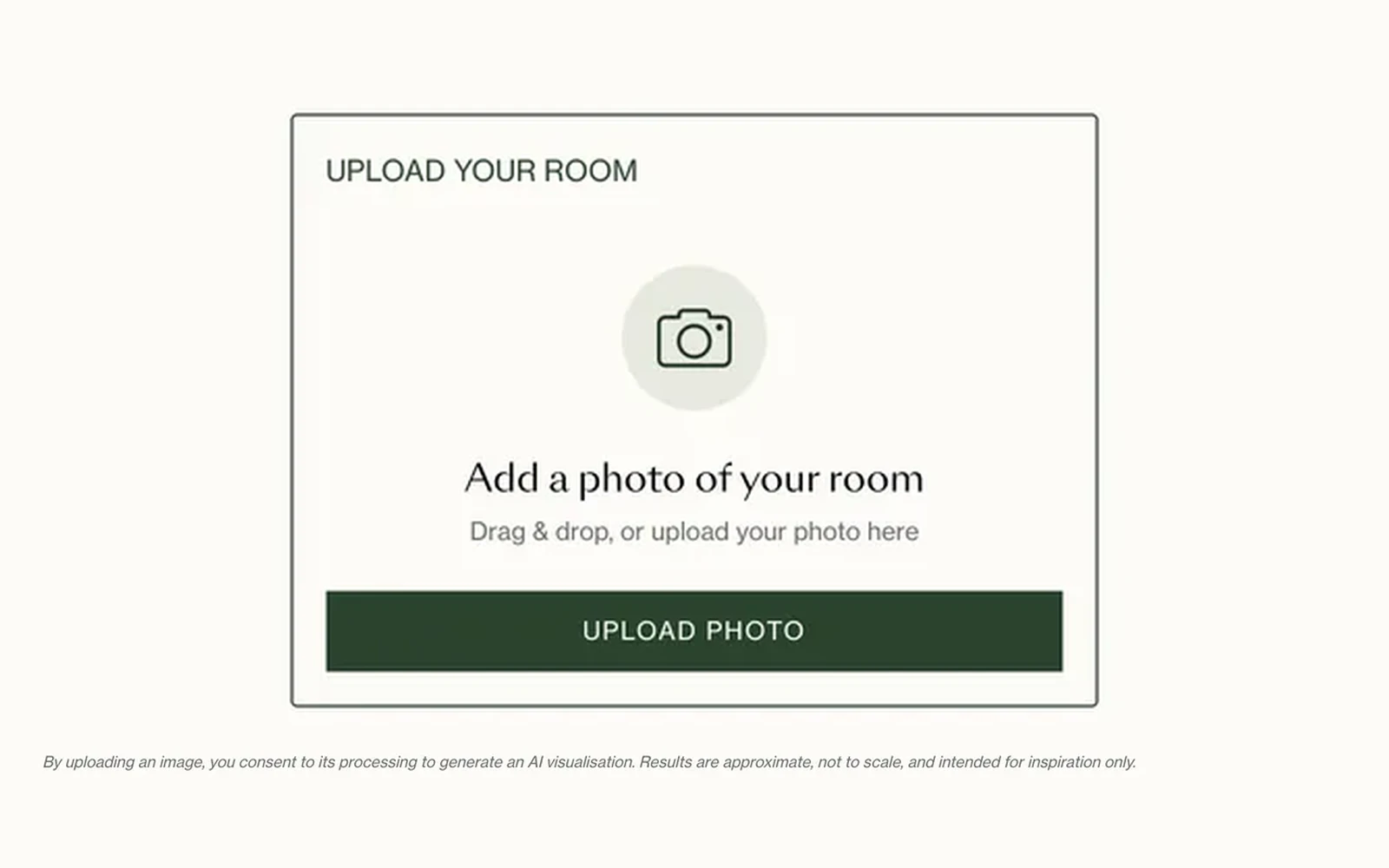
Consent built in
Shoppers see a clear consent line before uploading a photo.
Fashion try-on
From one selfie, shoppers try on a whole outfit, or try one top after another with the jeans already worn in the photo, and compare the looks side by side.
Try on a whole outfit
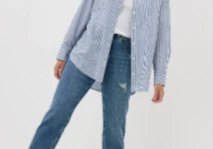

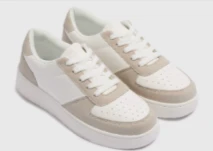
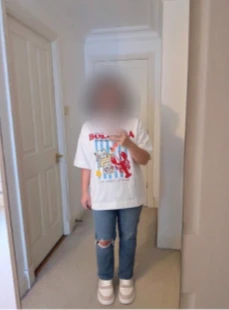
Keep the jeans, compare the tops
Coming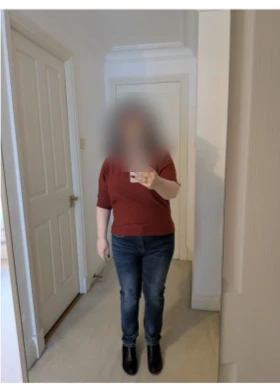
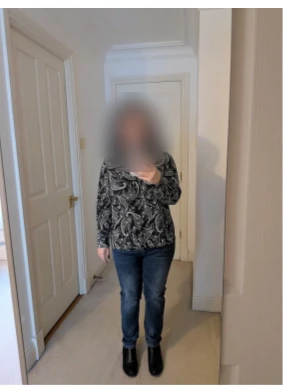
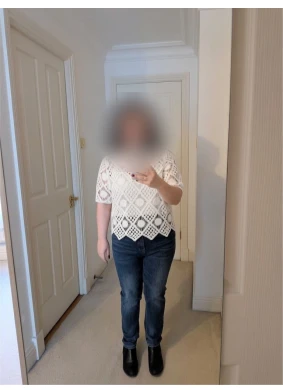
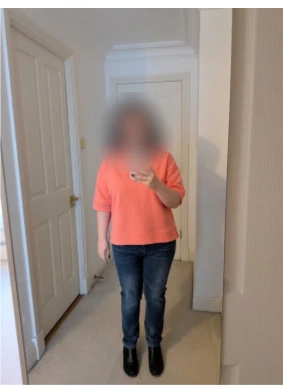
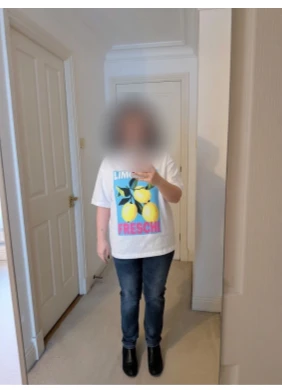
Shown from our fashion prototype, with faces blurred. Results are for inspiration and don’t check fit or size. A gallery of past try-ons is coming.
On your site
On the product page
A button on the product page opens the swap, or the swap sits in a section of the page.
On an edit or listing page
Fashion: shoppers build an outfit from an edit, like a denim edit, and try the outfit on (coming).
Related
Room Creator
Shoppers see sofas, rugs, lighting and decor side by side, in 2D from your product photos or in 3D in the shopper’s own room, and add every product to basket in one click.
Open →+75%Product Recommendations & Complete the Look
Shoppers see similar products, room scenes, moodboards and outfits, more from the same collection, add-ons and bestsellers, mixed on each product page instead of rows of identical carousels.
Open →8Sofa Configurator
Modules join only where the modules fit, fabrics change in a tap, and the sofa takes shape in 2D or 3D. Shoppers start from one of your sets or from scratch, and the design goes to basket in one click.
Open →Want to see your products in shoppers’ photos?
Send us your product feed and we’ll show you the swap with your own products.
Book a demo →